Why Is My MacBook Battery Draining So Fast?
A MacBook battery draining fast usually means one runaway app, hidden background work, or a worn cell. Here is how to find the culprit in real watts and stop it.
Practical guides on MacBook battery life, battery health, and getting the most from your Mac.
A MacBook battery draining fast usually means one runaway app, hidden background work, or a worn cell. Here is how to find the culprit in real watts and stop it.
Why a MacBook loses charge overnight (DarkWake, Power Nap, Wake for Network Access, runaway processes), how to read the pmset logs, and the exact settings that stop it.
How to limit MacBook charging to 80%: the native macOS Tahoe 26.4 charge limit, Optimized Battery Charging, and third-party apps like AlDente and MacBookBatteryMonitor compared.
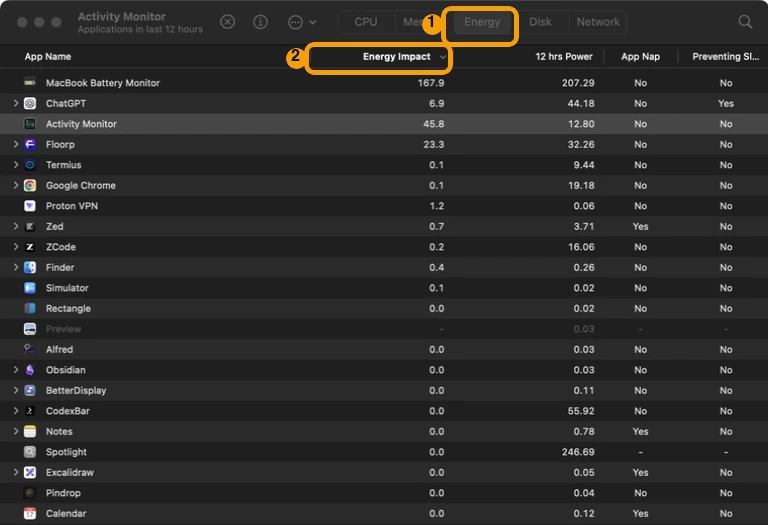
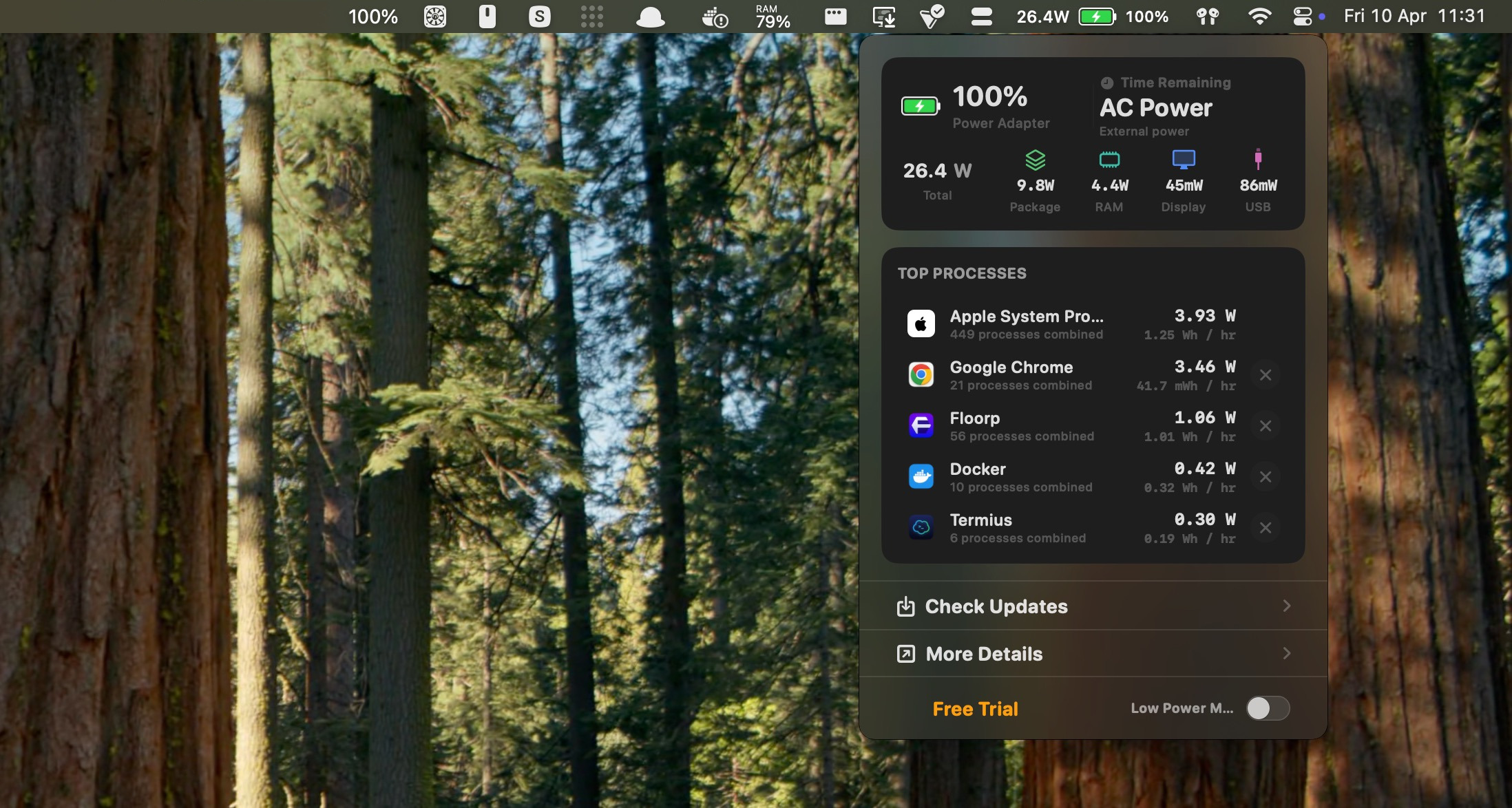
See what is draining your MacBook battery using Activity Monitor Energy, the System Settings battery chart, and the menu-bar dropdown, then safely investigate the likely cause.
Which MacBook has the best battery life in 2026? Real expected runtime for the M5 Air, M5 Pro, and MacBook Neo, with a ranked hour-based table and how to pick for your use case.
Why is your MacBook charging slowly? The real causes ranked by likelihood, with a charger wattage table and the power-draw-vs-charger math most guides miss.
coconutBattery vs Activity Monitor compared: what each actually measures, why they show different battery numbers, and which tool fits which job on your Mac.
Does fast charging damage your MacBook battery? Power is drawn not pushed, the charge curve slows past 50%, and heat is the real risk. Here is the evidence.
How to see MacBook battery usage by app. Activity Monitor vs battery percentage vs real watts — what actually measures per-app battery drain, and what does not.
Understand your MacBook battery cycle count, how to check it, what the 1000-cycle design limit means, and when cycle count actually says you need a replacement.

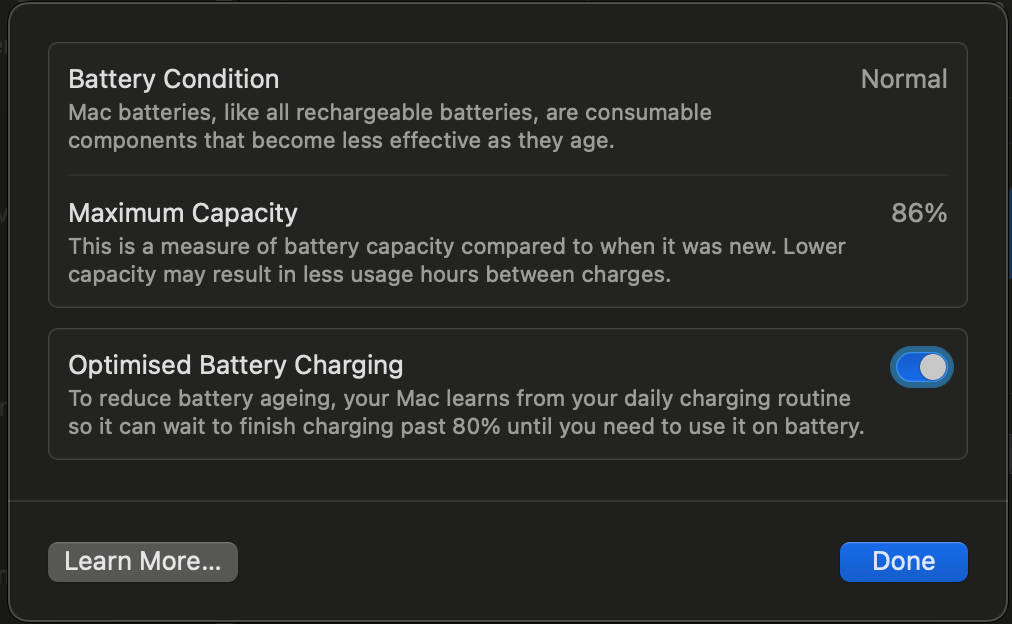
Check your MacBook battery health, understand maximum capacity and cycle count, and work out whether poor battery life is actually caused by the battery.

It’s more common than you think. Before returning it, try these steps to find out what’s actually draining your battery and fix it.

A practical guide to making your MacBook last longer on a single charge, from built-in settings to monitoring which apps burn through your battery.

The story behind MacBookBatteryMonitor — why we built a native Mac app for watching battery drain, how it works, and what makes it different from Activity Monitor.