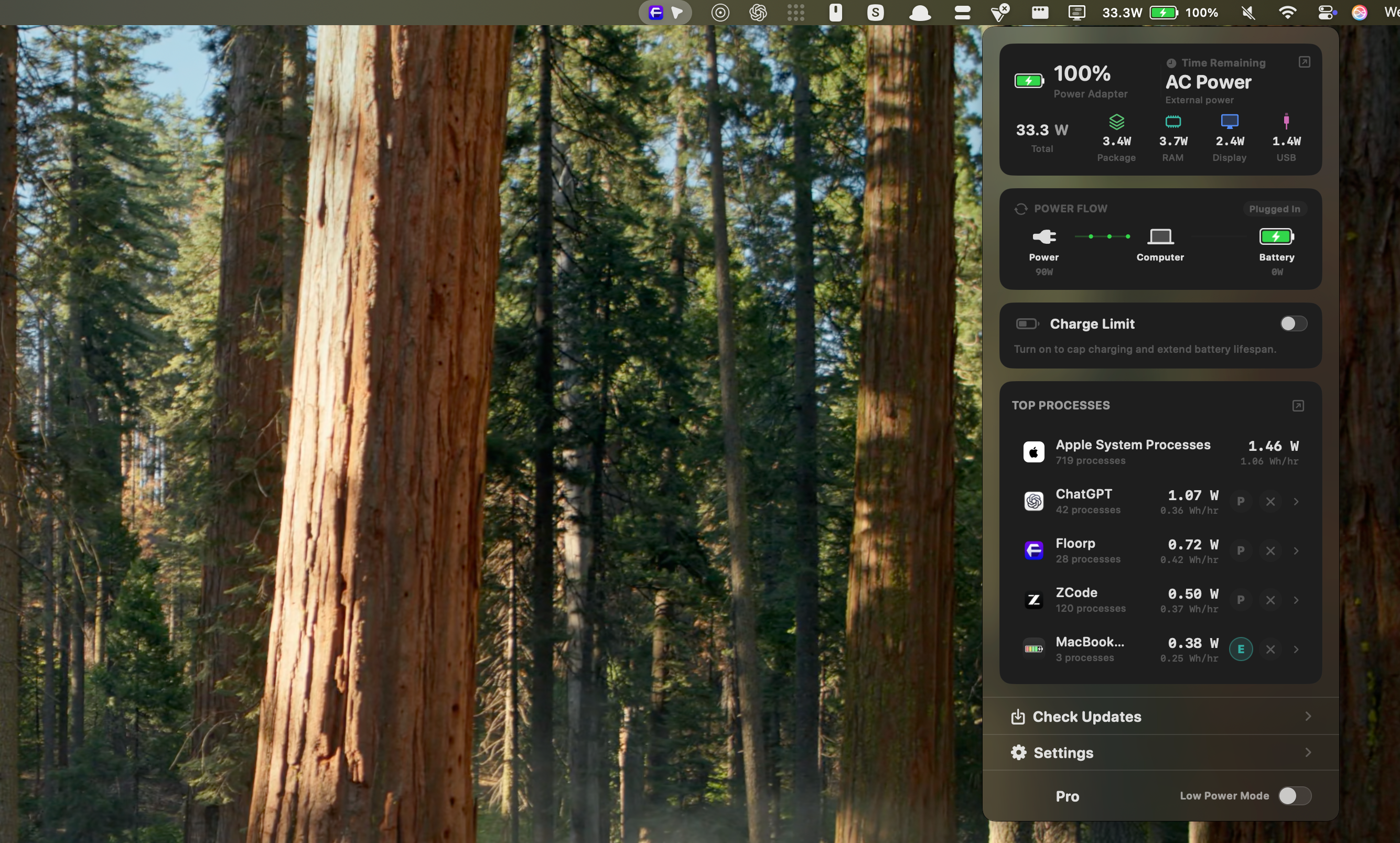
MacBookBatteryMonitor v1.0 for macOS
Something is draining your battery. Now you can see exactly what. Live per-app power draw in real watts, whole-system usage, and battery health, all from your menu bar.
The complete MacBook battery toolkit in your menu bar
MacBookBatteryMonitor v1.0 shows live per-app power draw, whole-system power flow, and battery health measured in real watts, not vague scores. Then it gives you the controls to act on what you find.
Catch the hidden process ruining your session, cap or quit it on the spot, and keep your battery at a healthier charge level when your MacBook lives on a desk. One-time purchase, no subscription, ever.
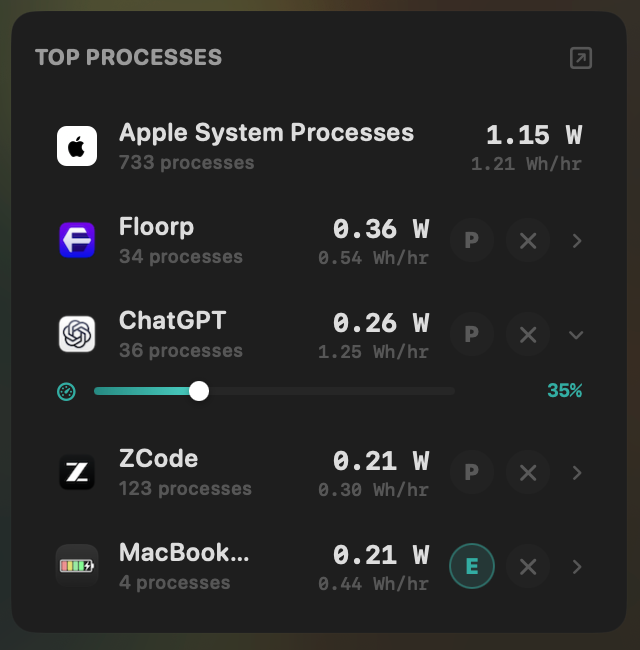
Control every app at a glance
Accurate per-app power tracking, one-click quit, CPU usage limits, and efficiency-core offload, right in your menu bar.
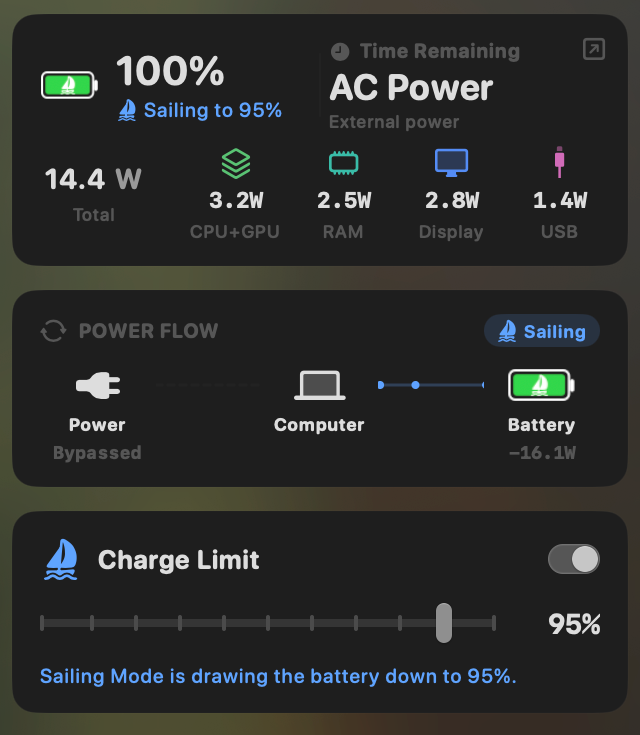
Set power limits and extend your battery health
Batteries wear down faster when held at full charge. Set a charge target and let Sailing Mode draw down to it, then hold.
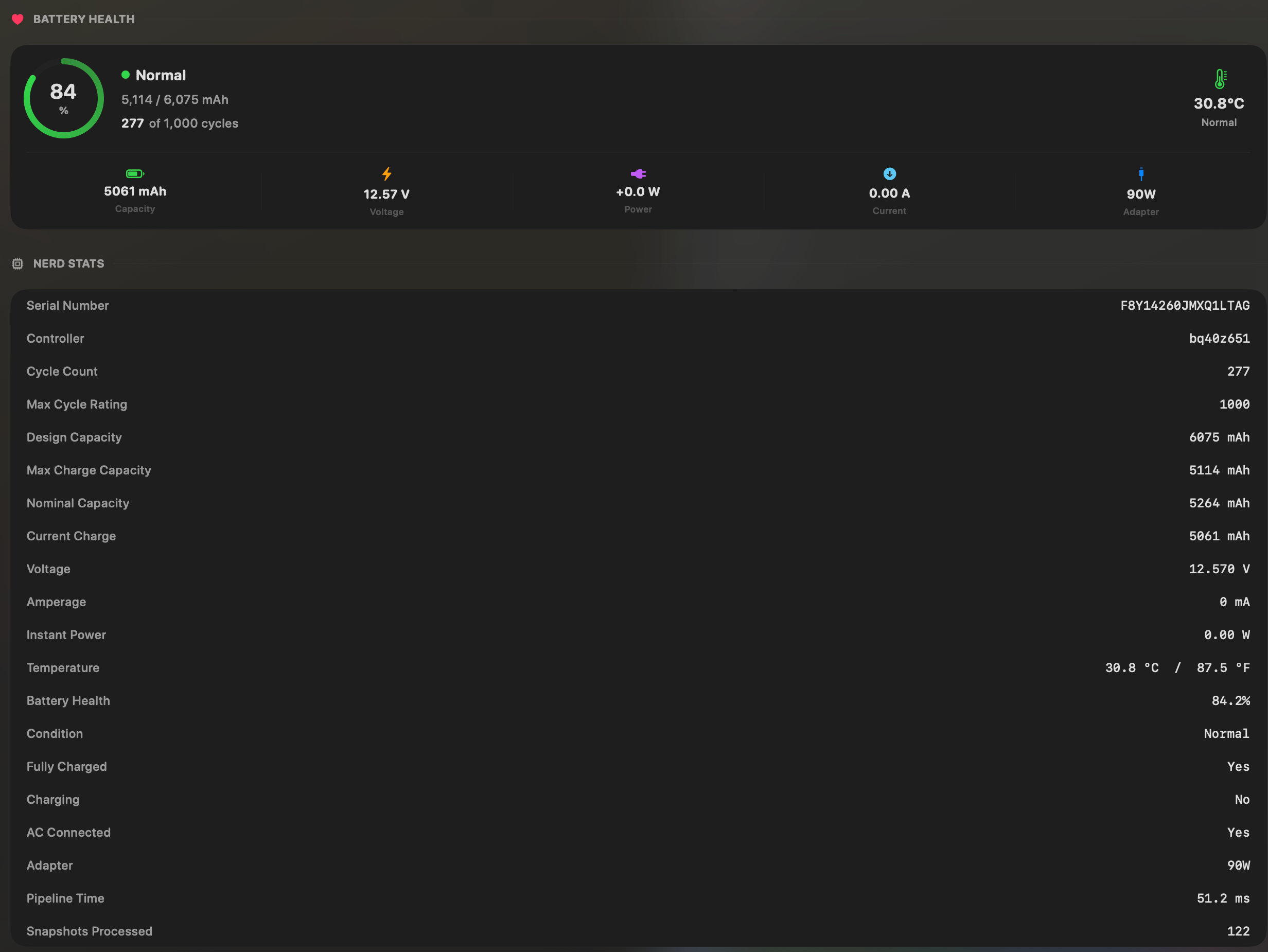
All the stats you need
Battery health, capacity, cycle count, temperature, and key electrical details in one place. No important metric hidden.
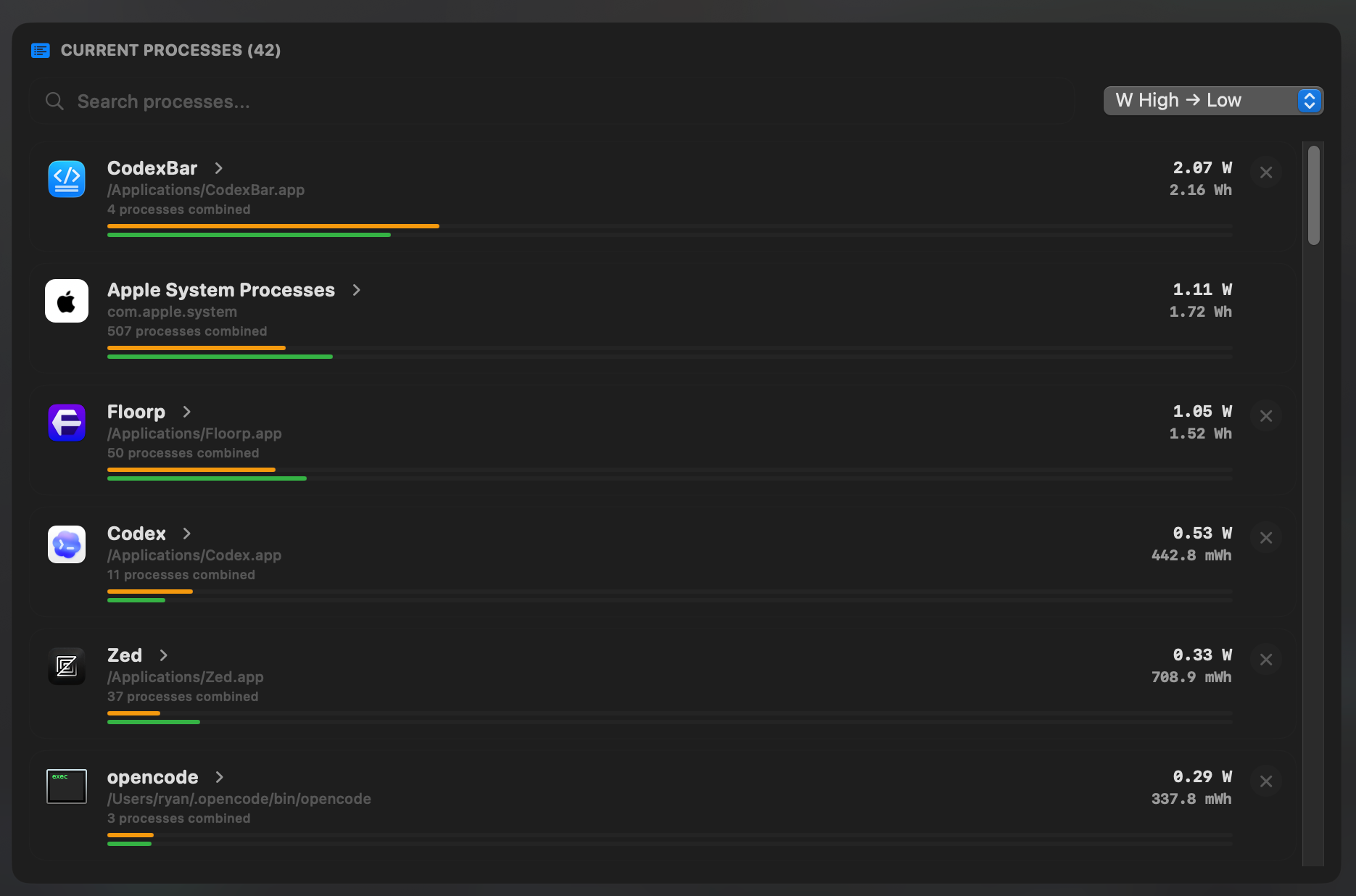
See all your apps power draw at once
See which app uses the most power at any time so you know what to close, quit, or test first.
- See per-app power draw in real watts and watt-hours, not vague scores.
- Surface hidden drain from Docker, cloudflared, launchd, and subprocesses.
- Quit runaway apps or cap their CPU usage from 10% to 100%.
- Offload low-priority apps to efficiency cores with one toggle.
- Set a charge limit and let Sailing Mode draw down to it safely.
- Break total draw into CPU, GPU, memory, display, and USB usage.
- Track battery health, cycle count, and temperature at a glance.
- Review whole-system and per-app energy history for up to 30 days.
- Automate Low Power Mode at the battery threshold you choose.